Public reports › Counties · Colorado

County · Colorado · 1,591 students

Weld County RE-1

wcsdre1.org · homepage scanned Oct 16, 2026 · WCAG 2.2 A/AA automated check

C

Accessibility score

77/100 · Needs work

The homepage has issues that make common tasks harder for people using screen readers, keyboards or magnification. They are typically template-level and fixable in a day of vendor time.

0

Critical

2

Major

0

Minor

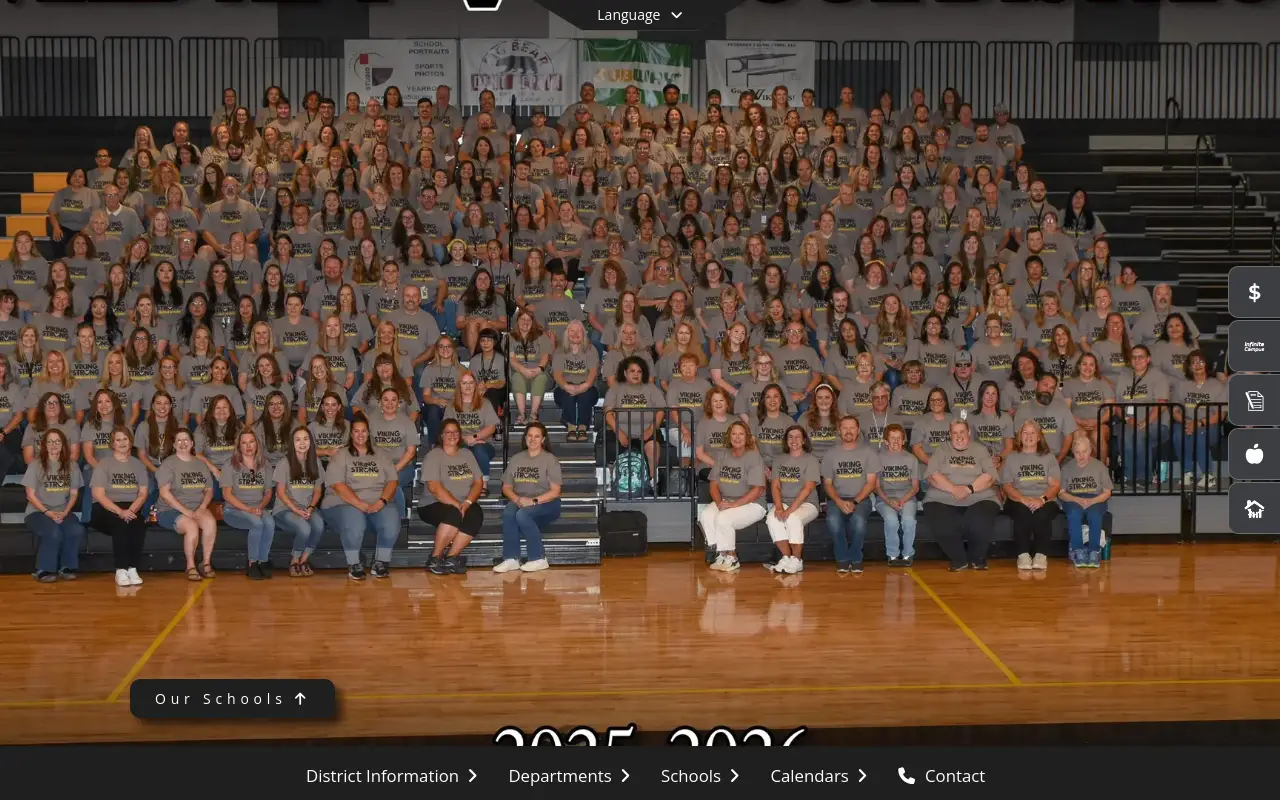
Screenshot of the Weld County RE-1 homepage at scan time

Homepage as loaded by our crawler on Oct 16, 2026.

In plain English

What this means for visitors

The scan found issues that may cause problems for visitors with disabilities, such as those using screen readers or keyboard-only navigation. Lists not built correctly can make it hard for screen readers to properly read the content, and nested interactive controls can be confusing to use. To improve accessibility, fixing the list issues should be the first step. Keep in mind that automated scans don't catch everything, so further review is needed to ensure the site is usable for all visitors.

Findings

2 issue types found on the homepage

Each item is one failing rule; the count shows how many elements on the page trigger it. Severity follows axe-core impact levels.

#1MajorWCAG 1.3.19 elementsRule details ↗

Lists are built incorrectly

List structure is broken, so screen readers can't announce 'list of 5 items'.

Who it affects

Makes a task significantly harder (low contrast, links with no name, missing frame titles).

First fix

Only put <li> inside <ul>/<ol>; remove stray elements injected by the editor.

#2MajorWCAG 4.1.21 elementRule details ↗

Interactive controls are nested

A button inside a link (or similar) can't be reliably operated.

Who it affects

Makes a task significantly harder (low contrast, links with no name, missing frame titles).

First fix

Un-nest the controls; a card should have one link, not a link wrapping buttons.

Severity guide

How to read the counts

Critical

Blocks a task outright for some visitors (for example an image-only flyer with no text, or a form field with no label).

Major

Makes a task significantly harder (low contrast, links with no name, missing frame titles).

Minor

Reduces clarity or consistency (heading order, landmarks, touch-target size).

What this grade does and does not cover

  • Covers: the public homepage only, loaded once in a desktop browser, tested with axe-core against WCAG 2.2 Level A and AA rules (a superset of the WCAG 2.1 AA standard in the DOJ rule).
  • Does not cover: inner pages, PDFs and documents, logged-in portals, video captions, alt-text quality, keyboard usability of custom widgets, or anything that needs a human judgment.
  • A grade is a monitoring signal, not a legal assessment or certification. How we score.